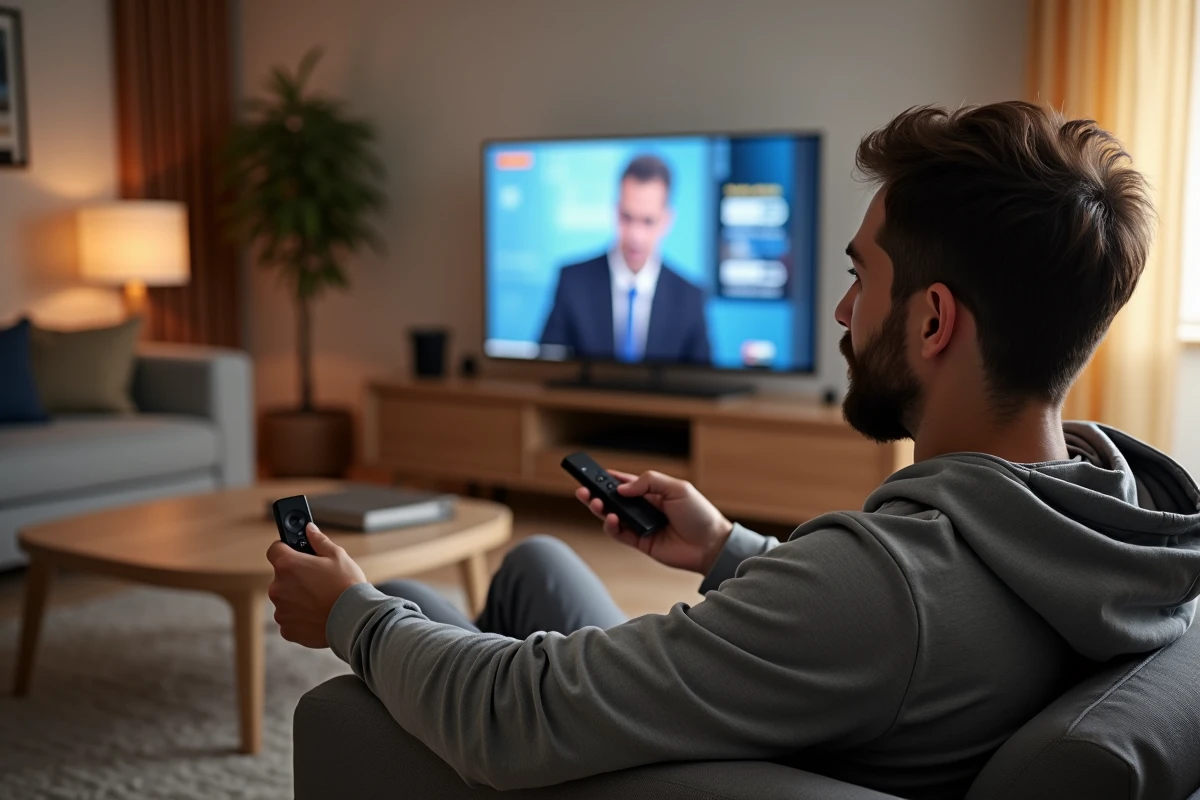
The Xiaomi Mi TV Stick transforms any television equipped with an HDMI port into a connected device running Android TV. To access French TNT channels, several paths exist, but not all are equal in terms of legality, stability, or image quality.
France.tv and myTNT replay on Mi TV Stick: legal access to public channels
The least explored angle remains the simplest. The official applications of French public broadcasting groups, led by France.tv, are available on the Google Play Store integrated into the Mi TV Stick. Installation takes only a few seconds from the Android TV interface.
France.tv provides access to live and replay content from France 2, France 3, France 5, France Info, and several other channels from the group. The myTNT replay app, on the other hand, aggregates replay content from most TNT channels, including private sector channels like TF1 and M6.
This route is 100% compliant with French law and requires neither a subscription nor advanced technical configuration. A free account is sufficient for France.tv. For those looking to get TV channels with Mi TV Stick without resorting to dubious third-party solutions, these official applications already cover a large part of the need.
However, not all channels offer their live stream through these applications. Arte, for example, has its own Android TV app with live and replay options, while some private channels limit access to replay only.

Molotov on Mi TV Stick: what the free app really allows
Molotov is often the first app mentioned for watching live television on Android TV. Its installation from the Play Store is native, and the free version provides access to about thirty TNT channels live.
The reality of usage deserves some clarifications. The free stream is limited to a single simultaneous screen, and the image quality caps at standard definition on the basic offer. To access HD or cloud recording, a paid plan is required.
The first-generation Mi TV Stick, with its limited RAM, may show signs of slowness after prolonged use of Molotov. User feedback on Android TV forums indicates that this issue mainly manifests during long sessions with the program guide active. A periodic restart of the stick usually resolves these slowdowns.
Legal alternatives to Molotov on the Play Store
Other applications are worth testing depending on the targeted channels:
- Pluto TV offers free thematic channels funded by advertising, with a catalog focused on entertainment and cinema.
- Samsung TV Plus, although designed for Samsung TVs, works on some Android TV devices and offers live streams without registration.
- The individual apps of the groups (6play for M6, MYTF1 for TF1) allow access to replay and sometimes live content, free with ads.
Network configuration and hardware limits of the Mi TV Stick for live TV
The Mi TV Stick connects exclusively via Wi-Fi. No Ethernet port is available, making the quality of the home network crucial for live viewing.
A stable download speed of at least 10 Mbit/s is recommended for an uninterrupted HD stream. Below this, micro-cuts and pixelation become frequent, especially during peak hours of the home network.
The second-generation Mi TV Stick 4K improves things with dual-band Wi-Fi 5 connectivity and a more powerful processor. According to a benchmark published by Les Numériques in May 2026, the Bluetooth 5.2 latency of this model is 20% higher than that of the Fire TV Stick 4K Max for pairing gaming controllers, indicating a generally more efficient wireless chip.
For users of the original model, some network adjustments can make a difference:
- Place the Wi-Fi router in the same room as the television, or use a dedicated repeater.
- Prefer the 5 GHz band if the stick supports it, to reduce interference.
- Close background applications before launching a live stream to free up RAM.

Kodi and third-party IPTV: why the legal option remains preferable
Online guides frequently mention Kodi or low-cost IPTV subscriptions as a solution to access hundreds of channels. The question of legality arises directly.
Kodi itself is free and legal software. It is the third-party extensions that add pirated streams that pose a problem. Using an IPTV service not registered with Arcom (formerly CSA) exposes the user to legal action. Illegal IPTV providers face regular shutdowns, making the service inherently unstable.
Official applications cover the majority of TNT channels without fees or legal risk. France.tv, Molotov, Arte, 6play, and MYTF1, combined on the same Mi TV Stick, provide access to nearly all of the free French programming.
The available data does not allow for a precise quantification of the number of users of illegal IPTV solutions on Mi TV Stick. User feedback varies on this point, but reports of service interruptions and outdated playlists are recurring on specialized forums.
For reliable daily use, the Mi TV Stick plugged into HDMI, connected to stable Wi-Fi, and equipped with the free apps from the Play Store effectively replaces an operator box for receiving TNT channels. The only tangible limit remains the absence of an integrated TNT decoder, making internet connectivity non-negotiable.